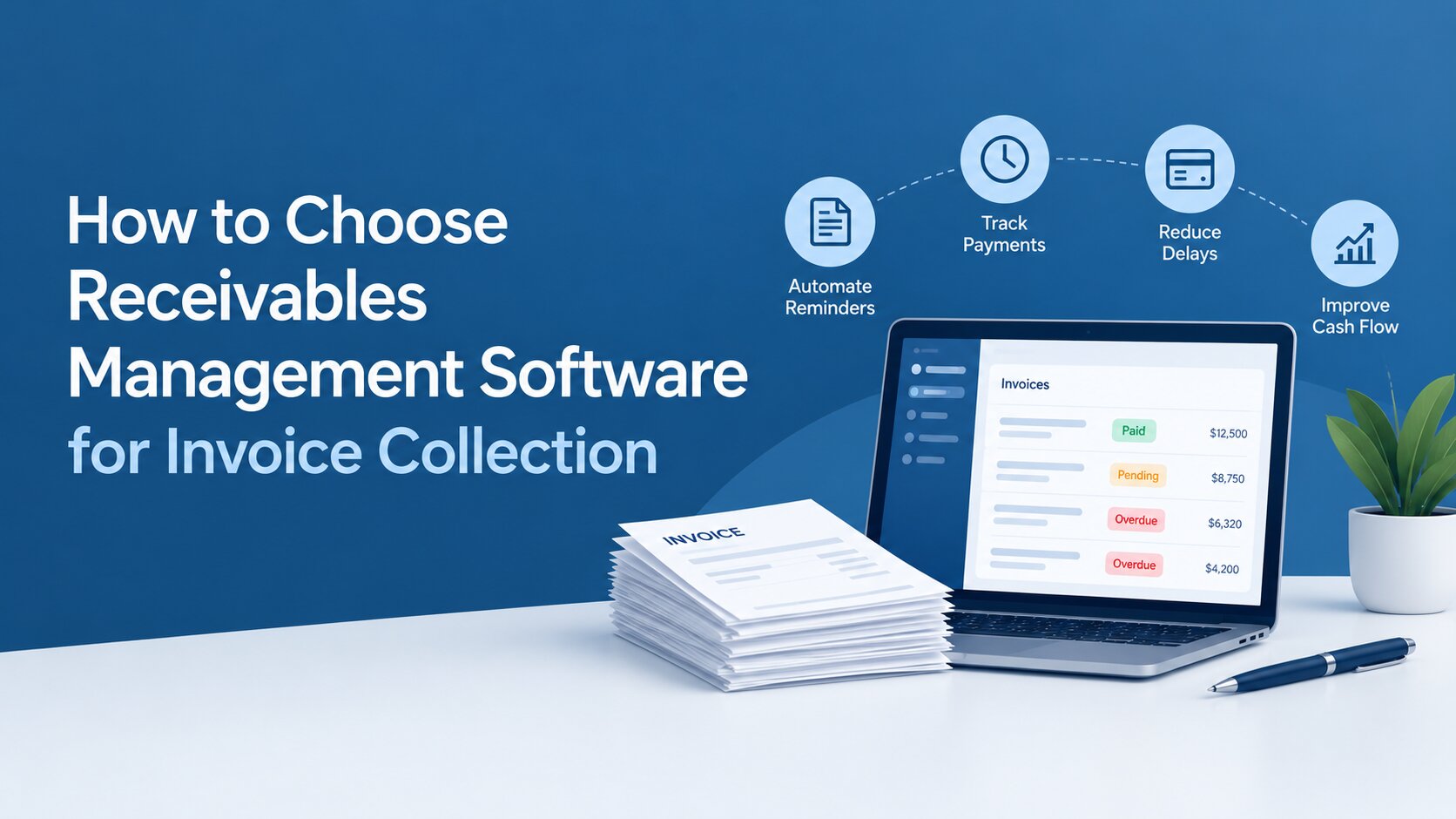
Late payments can put pressure on cash flow long before they become a serious financial problem. Finance teams may spend hours chasing customers, updating spreadsheets and checking email threads, while management has limited visibility into which accounts need attention.
For growing organisations, adding more manual follow-ups is rarely a sustainable solution. Receivables management software can bring customer accounts, outstanding invoices, reminders, payment commitments and recovery activity into one structured workflow.
But choosing a platform should involve more than comparing feature lists. The right solution needs to fit your existing processes, integrate with your financial systems and give your team practical ways to improve payment recovery.
This guide explains the key features to assess, the questions to ask vendors and a practical process for choosing the right solution for invoice collection.
1. Why Manual Invoice Collection Stops Working
Manual processes can work when invoice volumes are small. As the number of customers and outstanding accounts grows, however, gaps become harder to control. Finance teams may use spreadsheets to monitor ageing, email for reminders and separate notes for customer conversations. This makes it difficult to maintain a consistent view of each account.
Common problems include:
- Limited visibility into ageing and outstanding balances
- Missed or inconsistent follow-ups
- Payment promises being recorded in different places
- Disputes getting lost in email conversations
- Time-consuming management reports
- Difficulty prioritising high-value or high-risk accounts
- Delays in escalating accounts that need further action
These issues can affect more than the finance team's workload. Longer payment cycles can increase Days Sales Outstanding (DSO), reduce available working capital and increase the risk of write-offs.
For UAE and GCC organisations dealing with different customer segments, payment methods, currencies and communication preferences, these challenges can become more complex as operations expand.
A move to a dedicated receivables management system makes sense when teams can no longer reliably answer simple questions such as: What is outstanding, who has been contacted, what did they promise to pay and what happens next?
2. What Is Receivables Management Software?
Receivables management software is designed to help organisations monitor and recover money owed by customers.
Unlike basic accounting or invoicing tools, which primarily record transactions and payments, a receivables platform focuses on what happens after an invoice is issued and remains unpaid.
Depending on the solution, this can include:
- Invoice and account tracking
- Ageing analysis
- Automated reminders
- Customer segmentation
- Payment commitment tracking
- Dispute management
- Collector task management
- Escalation workflows
- Reporting and performance dashboards
It is also broader than simple accounts receivable automation. Automation may handle repetitive tasks such as sending reminders or updating records, while a dedicated platform can coordinate the wider recovery process.
The users may include finance managers, credit controllers, collection teams and, where escalation is required, legal or recovery personnel.
3. Key Features to Look For
The right feature set depends on your processes and the volume of accounts you manage. However, several capabilities should be part of your evaluation.
Centralised account and invoice tracking
Your team should be able to view customer details, outstanding amounts, due dates, ageing and previous actions without switching between multiple files.
A central record creates a clearer picture of each account and reduces dependence on manually maintained spreadsheets.
Automated reminders and follow-ups
Look for workflows that can trigger reminders based on invoice status, due dates or ageing.
Email, SMS and WhatsApp support can help teams communicate through channels customers already use. The important point is flexibility: different customer groups may require different messaging and follow-up schedules.
Ageing reports and dashboards
An ageing report shows how long amounts have remained unpaid. This helps teams distinguish between recently due accounts and those requiring urgent attention.
Management dashboards should make it easy to monitor outstanding balances, recovery activity, collector performance and other relevant indicators without relying on manually prepared reports.
Customer segmentation
A long-standing customer with a temporary delay may require a different approach from an account that repeatedly misses payment commitments.
The platform should allow accounts to be grouped by factors such as ageing, value, risk, customer type or recovery stage. This helps teams prioritise their workload.
Promise-to-pay and dispute tracking
Payment commitments should be recorded centrally rather than left in individual emails or notes.
If a customer agrees to pay on a particular date, the system should allow the team to record and monitor that commitment.
Disputes should also be distinguishable from ordinary payment delays so that finance or customer-service teams can resolve the underlying issue without treating every account in the same way.
Escalation and recovery workflows
Some accounts require more than routine reminders. If payment is still not received after defined stages, the account may need to move to a recovery or legal team.
A platform that supports this escalation can provide continuity between early-stage follow-up and more intensive recovery activity.
Payment and reconciliation support
Payment instructions or links can make it easier for customers to settle outstanding amounts.
The platform should also help teams identify which accounts have been paid and which remain open, reducing unnecessary follow-ups and manual reconciliation work.
Regional and language support
UAE and GCC organisations should consider whether the platform supports their operational requirements, including multiple currencies, Arabic and English communication, and the customer segments they serve.
These capabilities may become increasingly important as a company expands across markets.
Reporting and audit trails
Good reporting should answer more than “how much is outstanding?” Look for visibility into ageing trends, recovery rates, payment commitments, collector activity and escalation.
An audit trail is equally useful because it provides a record of important actions and communications associated with an account.
4. Look Beyond the Feature List
A platform can have all the right features and still be a poor fit. Evaluate how it will work within your wider technology and operational environment.
Integrations
Ask whether the solution can connect with your ERP, accounting platform or CRM.
Data should flow between systems with minimal duplicate entry. Otherwise, the expected productivity gains may be reduced by additional administration.
Deployment and security
Cloud-based collection software can provide convenient access for distributed teams, while some organisations may prefer private or on-premise deployment because of internal policies or data requirements. Whichever model you choose, ask about encryption, access controls, backups, audit logs and data handling. For UAE and GCC organisations, also assess whether the provider can support applicable privacy, security and data governance requirements.
Scalability
Consider where your organisation will be in two or three years, not just what it needs today.
Evaluate the number of users, accounts and transactions the platform can support, as well as whether workflows and reports can be adapted as requirements change.
Implementation and support
A platform is only useful if your team can adopt it.
Ask about implementation timelines, data migration, training, onboarding and ongoing support. Regional support can be particularly valuable when teams need help adapting workflows to local requirements.
Total cost
Do not compare subscription prices alone.
Consider implementation, integrations, additional users, customisation, support and future expansion. The more useful comparison is the total cost of ownership against the time and resources currently spent managing receivables.
5. A Practical Process for Choosing the Right Platform
A structured evaluation can make the buying process much easier.
1. Map your current process
Document what happens from invoice creation through reminders, payment commitments, disputes and escalation. Identify the biggest bottlenecks.
2. Set measurable goals
Decide which outcomes matter most. These could include reducing DSO, improving recovery rates, increasing collector productivity or gaining better visibility.
3. Separate essential from optional features
Create a must-have list before speaking to vendors. This prevents impressive but unnecessary features from influencing the decision.
4. Shortlist relevant vendors
Look for providers that already support organisations with similar transaction volumes, workflows and regional requirements.
5. Test real scenarios
During demos, use realistic examples rather than asking for a generic product tour. For example, ask the vendor to demonstrate a newly overdue invoice, a missed payment promise, a disputed account and an account requiring escalation.
6. Check implementation and support
Ask existing customers, where possible, about onboarding, usability and support responsiveness.
7. Plan adoption
Assign ownership, train users and introduce the system in stages if necessary. Adoption should be treated as part of implementation, not something that happens afterwards.
6. Common Mistakes to Avoid
Choosing on price alone
A cheaper platform may become more expensive if it requires extensive manual work or lacks important integrations.
Ignoring escalation
If serious payment delays eventually involve recovery or legal teams, make sure the platform supports that transition.
Buying too many features
More functionality does not necessarily mean greater value. Prioritise capabilities that solve actual problems.
Overlooking user experience
If collectors find the system difficult to navigate, adoption will suffer. Test common daily tasks during the demo.
Excluding other stakeholders
Finance, IT, legal and operations may have different requirements. Involving them early can prevent integration, security or workflow issues later.
7. Questions to Ask Vendors
Use these questions during product demonstrations:
| Area | What to ask |
|---|---|
| Tracking | Can we manage invoices, balances and account status in one place? |
| Automation | Can reminders be triggered automatically based on ageing or status? |
| Communication | Does it support email, SMS and WhatsApp? |
| Segmentation | Can accounts be grouped by value, risk or ageing? |
| Commitments | Can payment promises be recorded and monitored? |
| Disputes | Can disputed accounts be tracked separately? |
| Escalation | Can accounts move from routine follow-up to recovery or legal action? |
| Reporting | What dashboards and management reports are available? |
| Integration | Can it connect with our accounting, ERP or CRM systems? |
| Security | How is financial and customer data protected? |
| Deployment | Is cloud, private or on-premise deployment available? |
| Support | What onboarding and ongoing support are included? |
| Cost | What additional charges should we expect? |
8. How Debtics Supports Invoice Collection
Debtics is designed by Beveron to help organisations bring debtor information, communication and recovery activity into a structured collection workflow.
The platform supports automated communication through channels such as email, SMS, WhatsApp, IVR and push notifications. Teams can also organise accounts, record payment commitments and monitor recovery activity through dashboards.
Its workflow can support different stages of recovery, from softer reminders to stronger follow-up and escalation. This gives teams a clearer way to manage accounts that remain unpaid rather than relying on disconnected spreadsheets and communication records.
Debtics is suited to organisations such as banks, NBFCs, collection agencies and businesses with dedicated recovery teams.
The best way to assess its fit, as with any platform, is to test your own scenarios during a demonstration and see how closely the workflow matches your existing process.
9. Frequently Asked Questions
What is receivables management software?
It is a system that helps organisations monitor and recover money owed by customers. Depending on the platform, it can manage invoices, ageing, reminders, payment commitments, disputes, reporting and escalation.
How does it help reduce DSO?
It can help teams identify ageing accounts sooner, automate routine follow-ups, prioritise important accounts and monitor payment commitments. However, the actual impact on DSO depends on the organisation's processes and how effectively the platform is used.
Is it different from accounting software?
Yes. Accounting software records financial transactions, while a receivables platform focuses on managing the process of recovering outstanding amounts. The two systems can often be integrated.
How long does implementation take?
The timeline depends on data migration, integrations, workflow complexity and the number of users. Ask vendors for a project plan based on your actual requirements rather than relying on a standard estimate.
Can it support legal recovery?
Some platforms allow accounts to be escalated from routine follow-up to recovery or legal workflows. If this is important, ask the vendor to demonstrate the complete escalation process.
Conclusion
Choosing the right receivables management software starts with understanding your current process. Identify where delays occur, define measurable goals and then evaluate platforms against the workflows your team actually uses.
Features such as automated reminders, ageing analysis, segmentation, payment tracking, reporting and escalation can improve control over outstanding accounts. But integrations, security, implementation, usability and support are equally important.
Before making a decision, test each shortlisted platform with real scenarios. The right solution should give your team a clearer answer to three questions: who needs attention, what action is required and what happens next?
For organisations looking to bring these activities into one structured workflow,
Debtics can help streamline invoice follow-ups and broader recovery operations.
Best receivables management software for banks in the UAE
Best invoice collection software for finance teams in the UAE
Best accounts receivable automation for accounts teams in the UAE